Von Shuree hochgeladene Dateien
Diese Spezialseite listet alle hochgeladenen Dateien auf.
| Datum | Name | Vorschaubild | Größe | Beschreibung | Versionen |
|---|---|---|---|---|---|
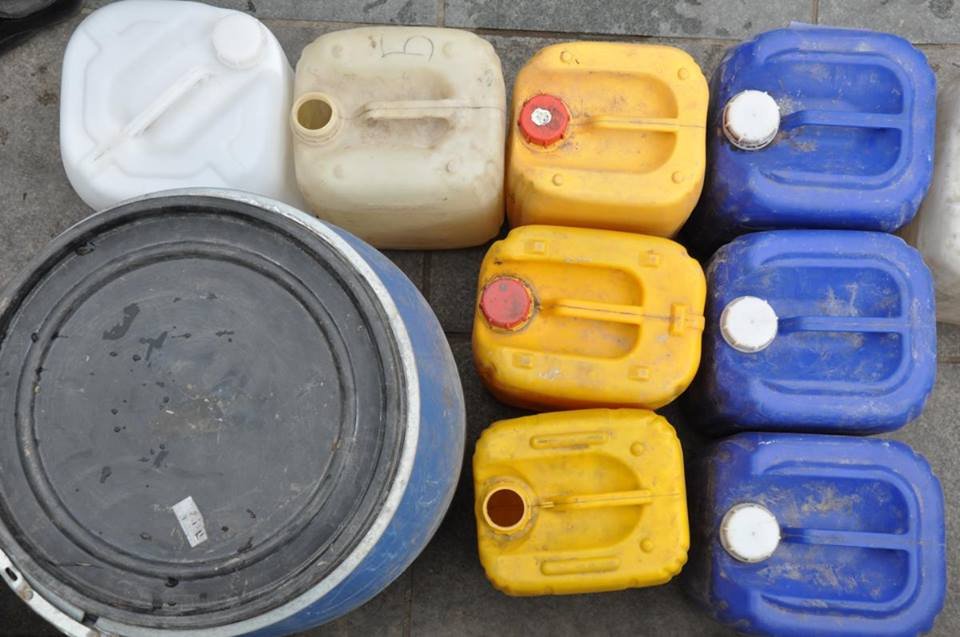
| 14:27, 30. Mai 2022 | Deadly plastic containers - MN.jpg (Datei) |  |
98 KB | 1 | |
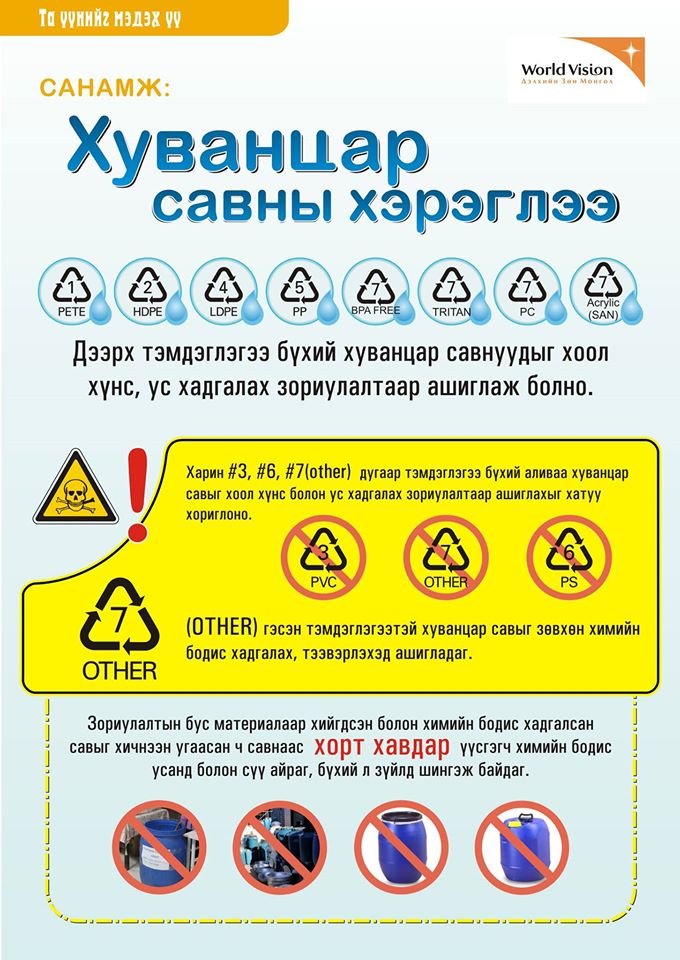
| 14:32, 30. Mai 2022 | World vision - plastic awareness poster.jpg (Datei) |  |
139 KB | 1 | |
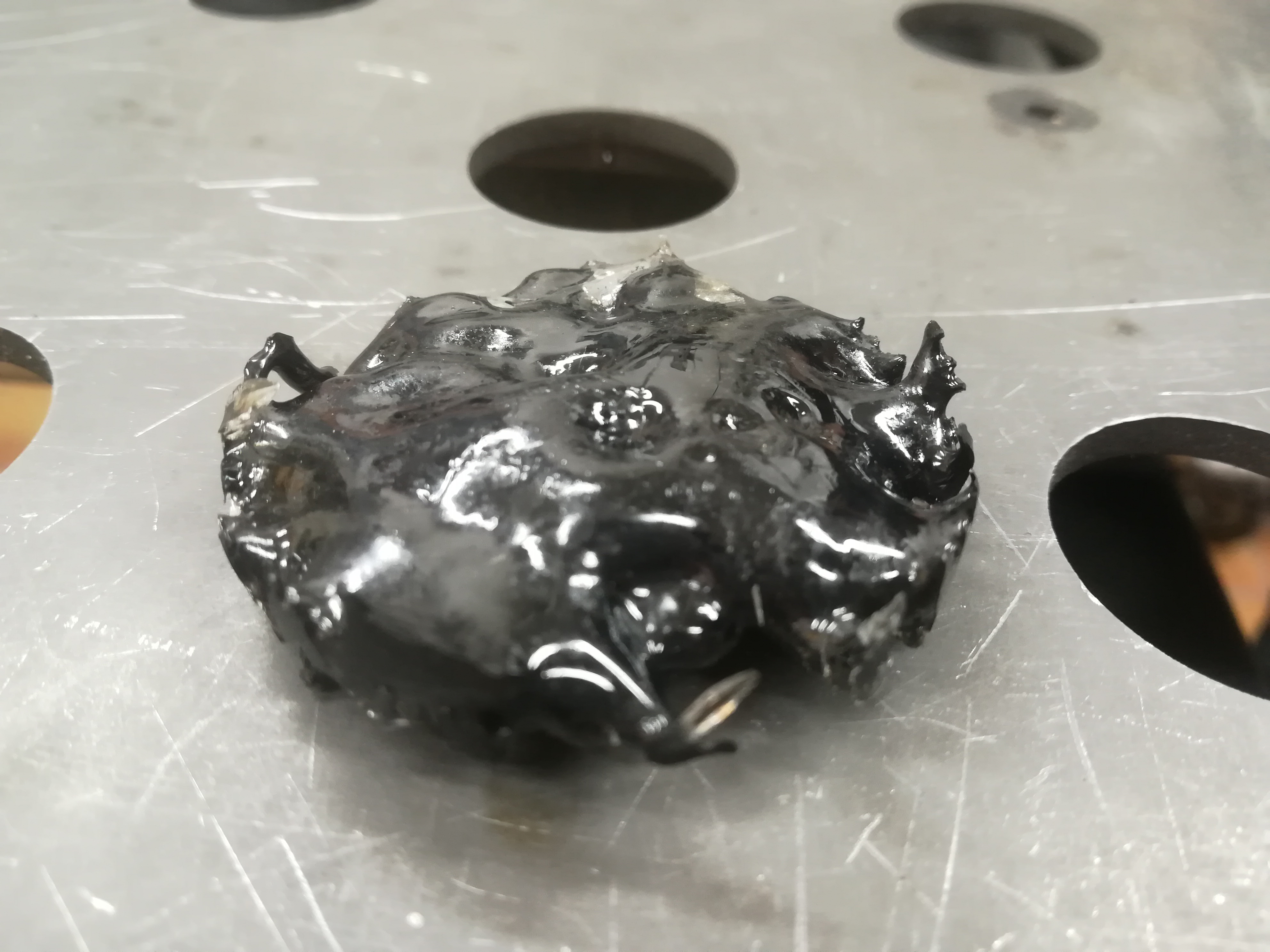
| 16:04, 30. Jun. 2022 | Schmelzversuch 001.jpg (Datei) |  |
1,75 MB | 1 | |
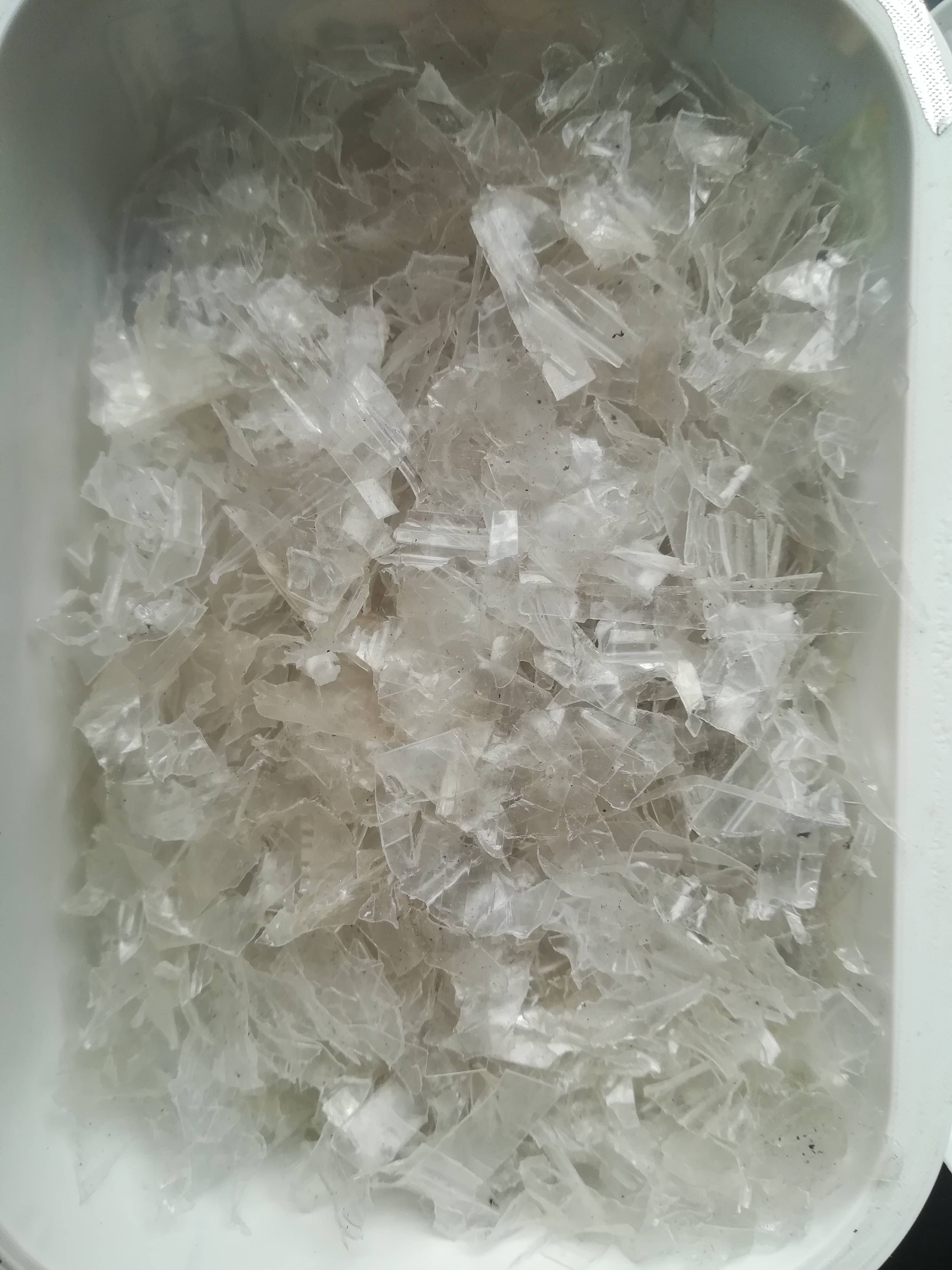
| 16:06, 30. Jun. 2022 | PP geschredet.jpg (Datei) |  |
2,25 MB | 1 | |
| 16:07, 30. Jun. 2022 | Geschredete Plastik.jpg (Datei) |  |
2,24 MB | 1 | |
| 16:10, 30. Jun. 2022 | Hard plastic - schreddern.jpg (Datei) |  |
2,29 MB | 1 | |
| 14:02, 13. Nov. 2022 | Nest01.jpg (Datei) |  |
3,42 MB | 1 | |
| 14:03, 13. Nov. 2022 | Nest02.jpg (Datei) |  |
3,59 MB | 1 | |
| 10:28, 29. Apr. 2024 | Result UE CLUB.png (Datei) |  |
11 KB | 1 | |
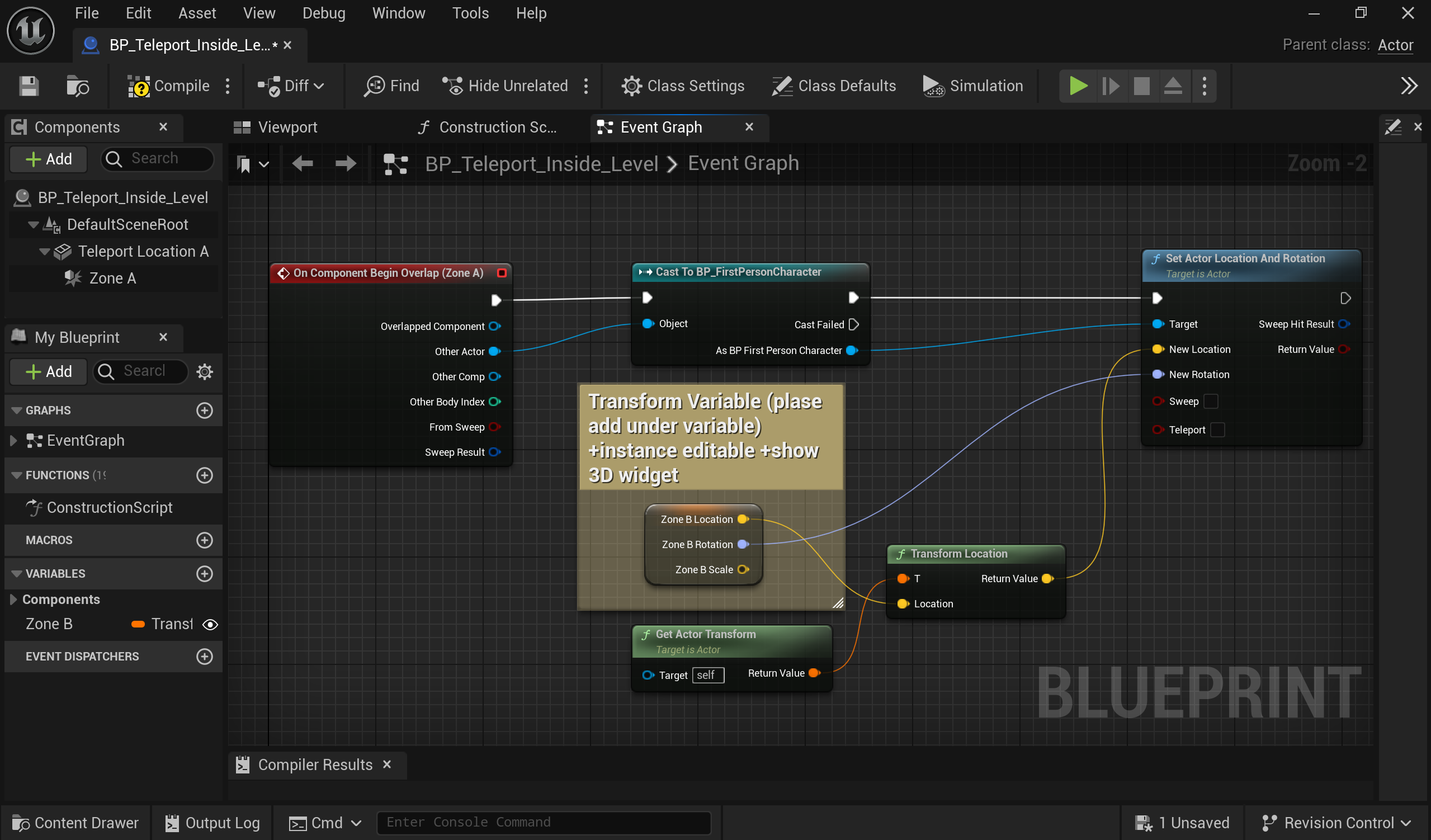
| 17:19, 20. Nov. 2024 | Teleporting inside level.png (Datei) |  |
515 KB | 1 | |
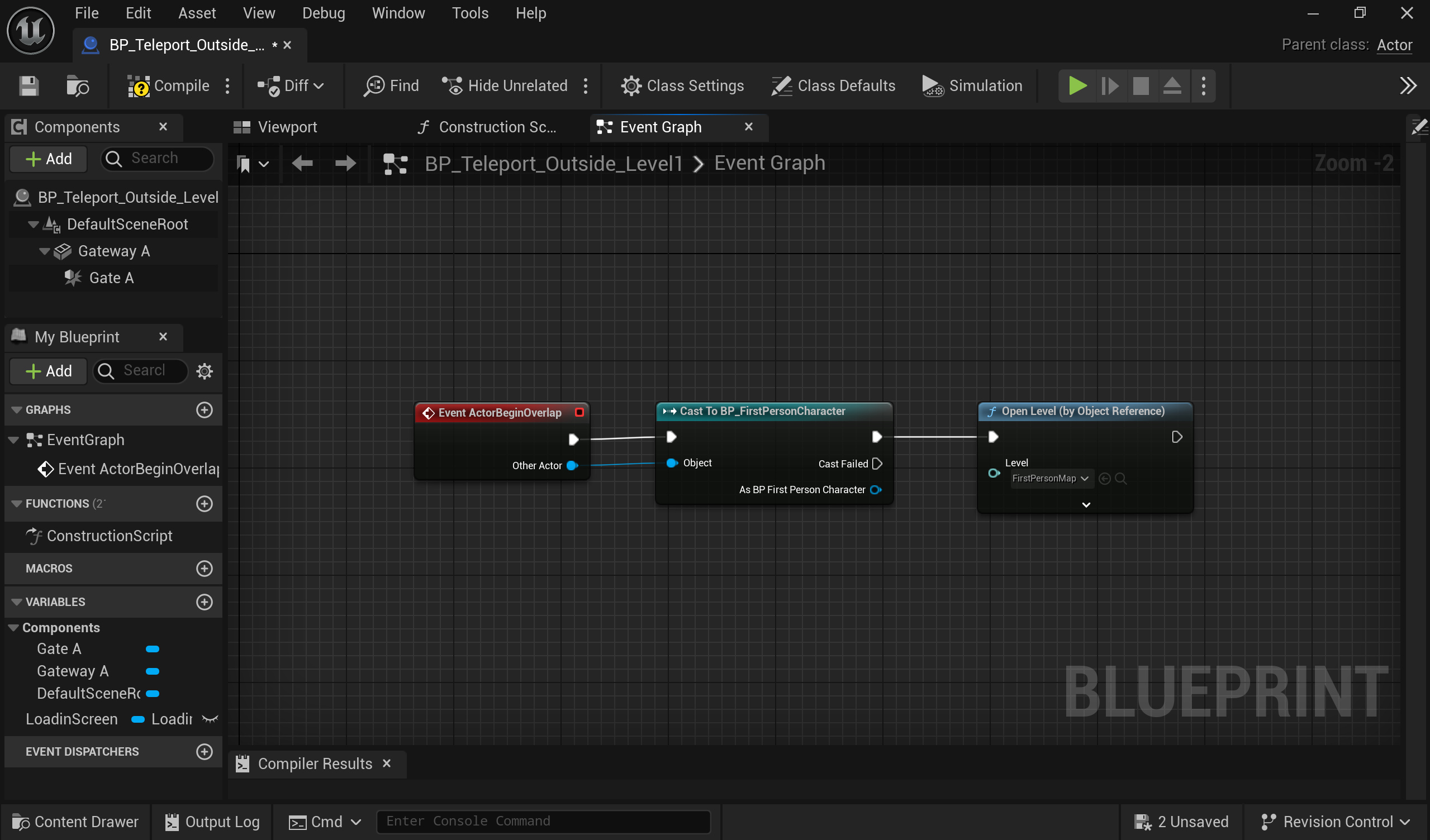
| 17:20, 20. Nov. 2024 | Teleporting outside a level.png (Datei) |  |
322 KB | 1 | |
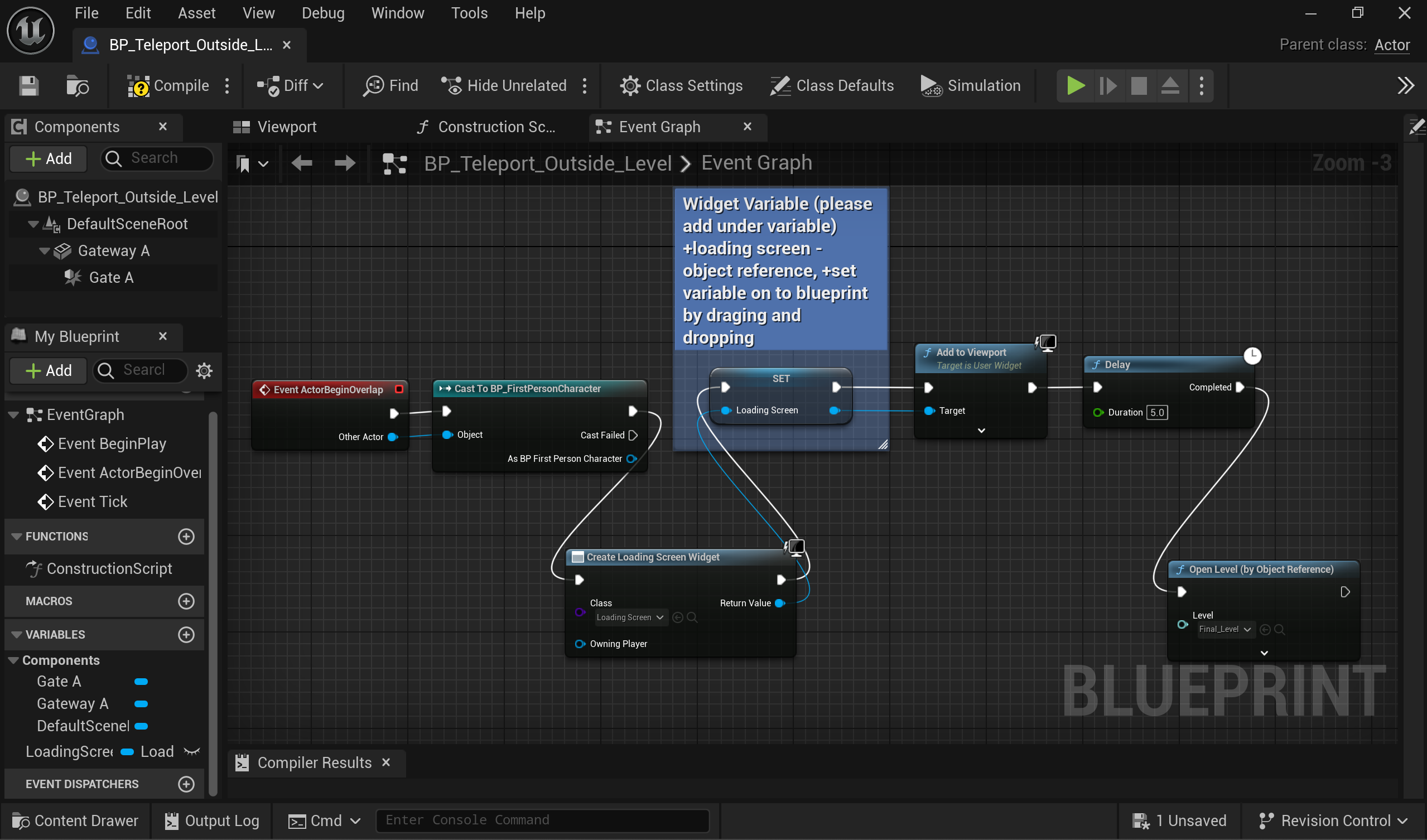
| 17:23, 20. Nov. 2024 | Teleporting outside a level with loading screen.png (Datei) |  |
512 KB | 1 | |
| 12:27, 2. Apr. 2025 | Engine Club- Creating a game similar to "Pools" (2024).mp4 (Datei) | 85,85 MB | 1 | ||
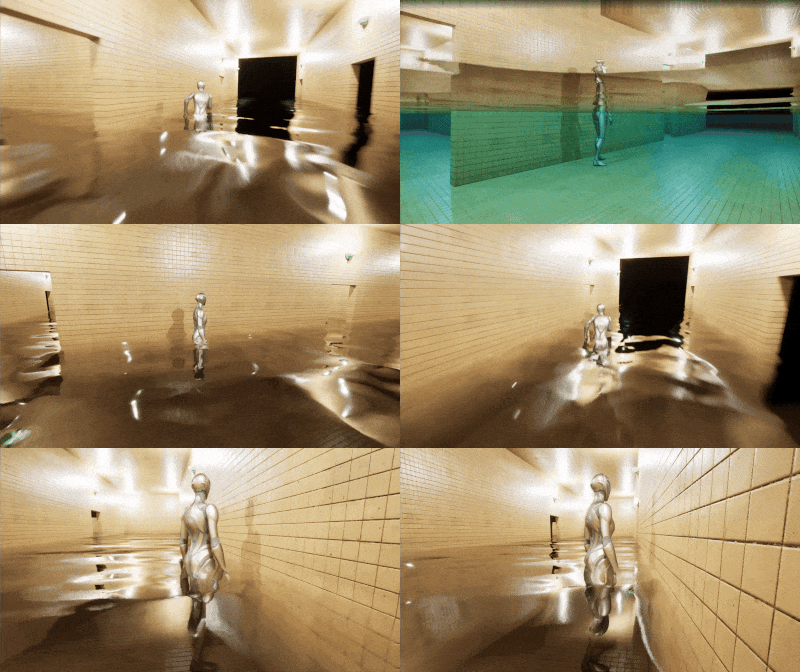
| 13:07, 2. Apr. 2025 | Engine Club A game like Pools (2024).gif (Datei) | .gif) |
5,23 MB | 3 | |
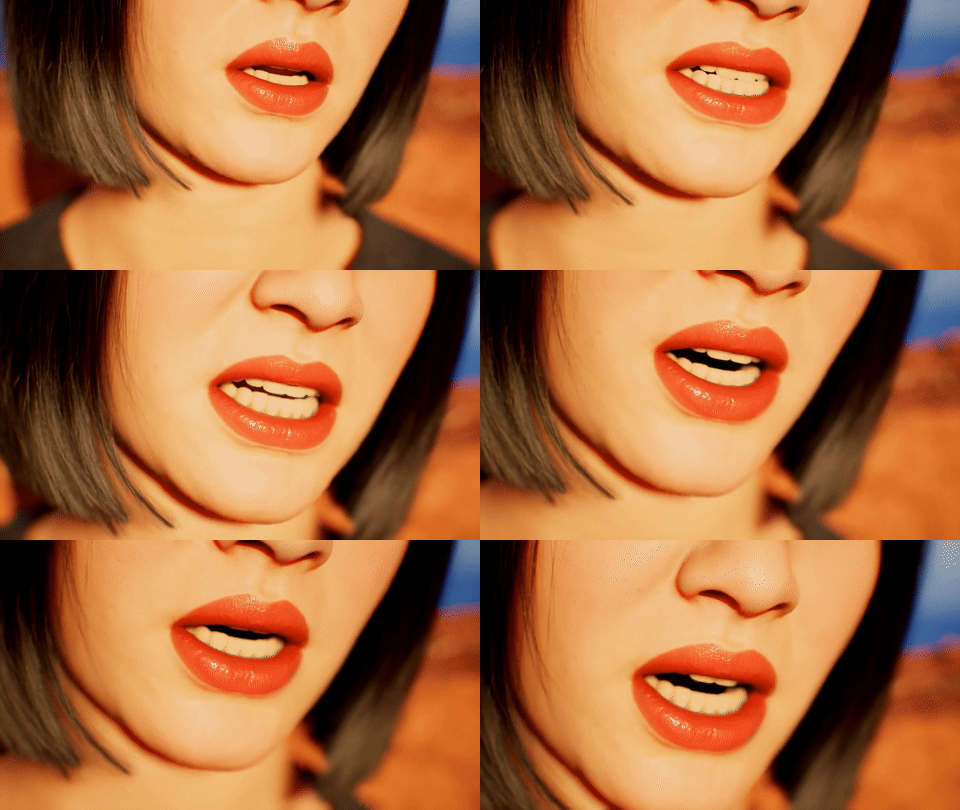
| 14:08, 7. Apr. 2025 | Metahuman auto lipsync example.gif (Datei) |  |
26,28 MB | 1 | |
| 14:17, 7. Apr. 2025 | Metahuman auto lipsync example02.gif (Datei) |  |
12,03 MB | 1 | |
| 14:41, 7. Apr. 2025 | Engine Club- Eye Exam Game01.gif (Datei) |  |
37,49 MB | 1 | |
| 14:42, 7. Apr. 2025 | Engine Club- Eye Exam Game00.png (Datei) |  |
1,87 MB | 1 | |
| 14:54, 7. Apr. 2025 | Engine Club- Rain Plugin00.gif (Datei) |  |
13,11 MB | 1 | |
| 15:17, 7. Apr. 2025 | Engine Club- Rain Plugin01.mp4 (Datei) | 71,51 MB | 1 | ||
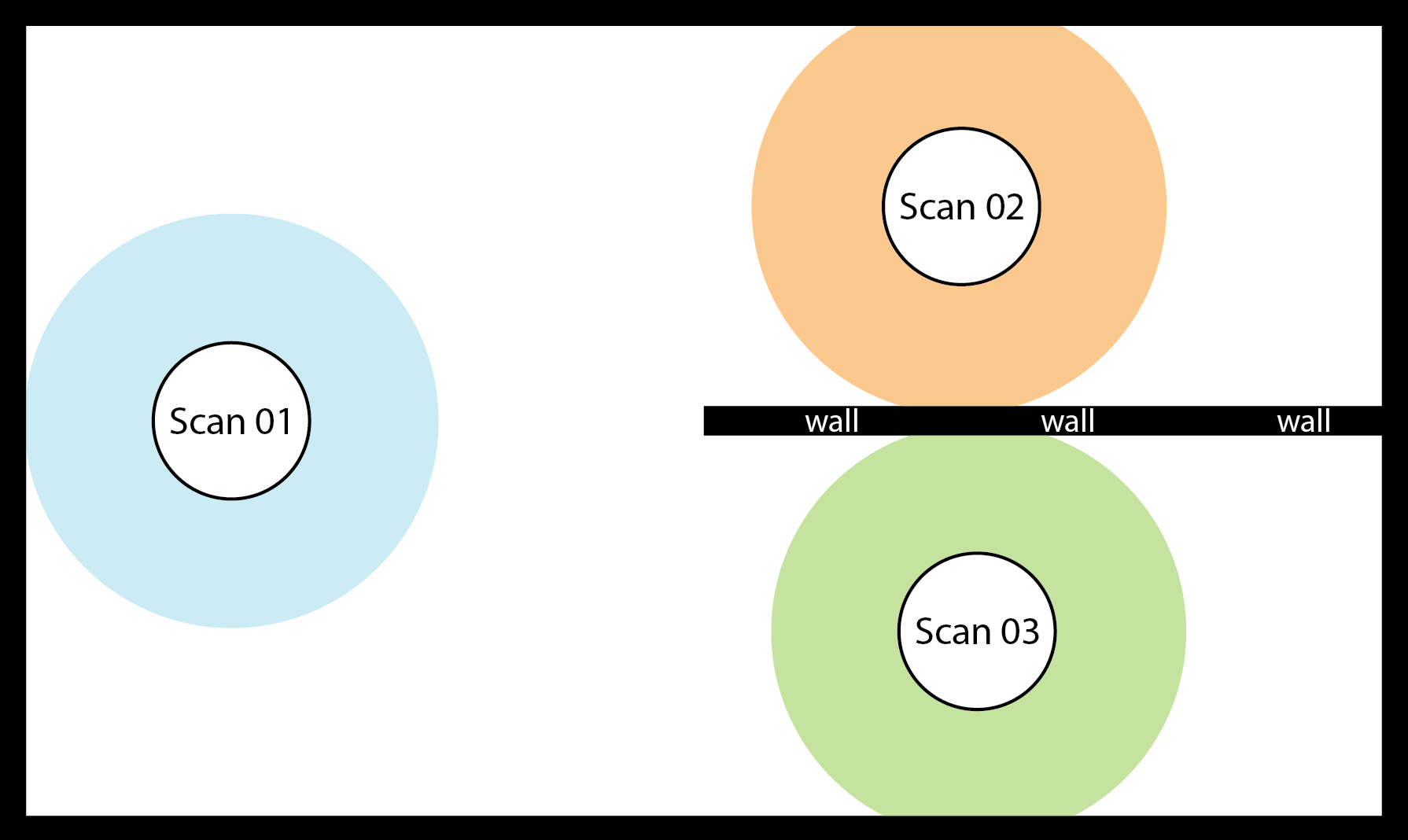
| 15:19, 1. Okt. 2025 | Leica Figure1.png (Datei) |  |
65 KB | Figure 1. Good scan locations: With plenty of overlaying areas due to Scan 01. Easy to align automatically. | 1 |
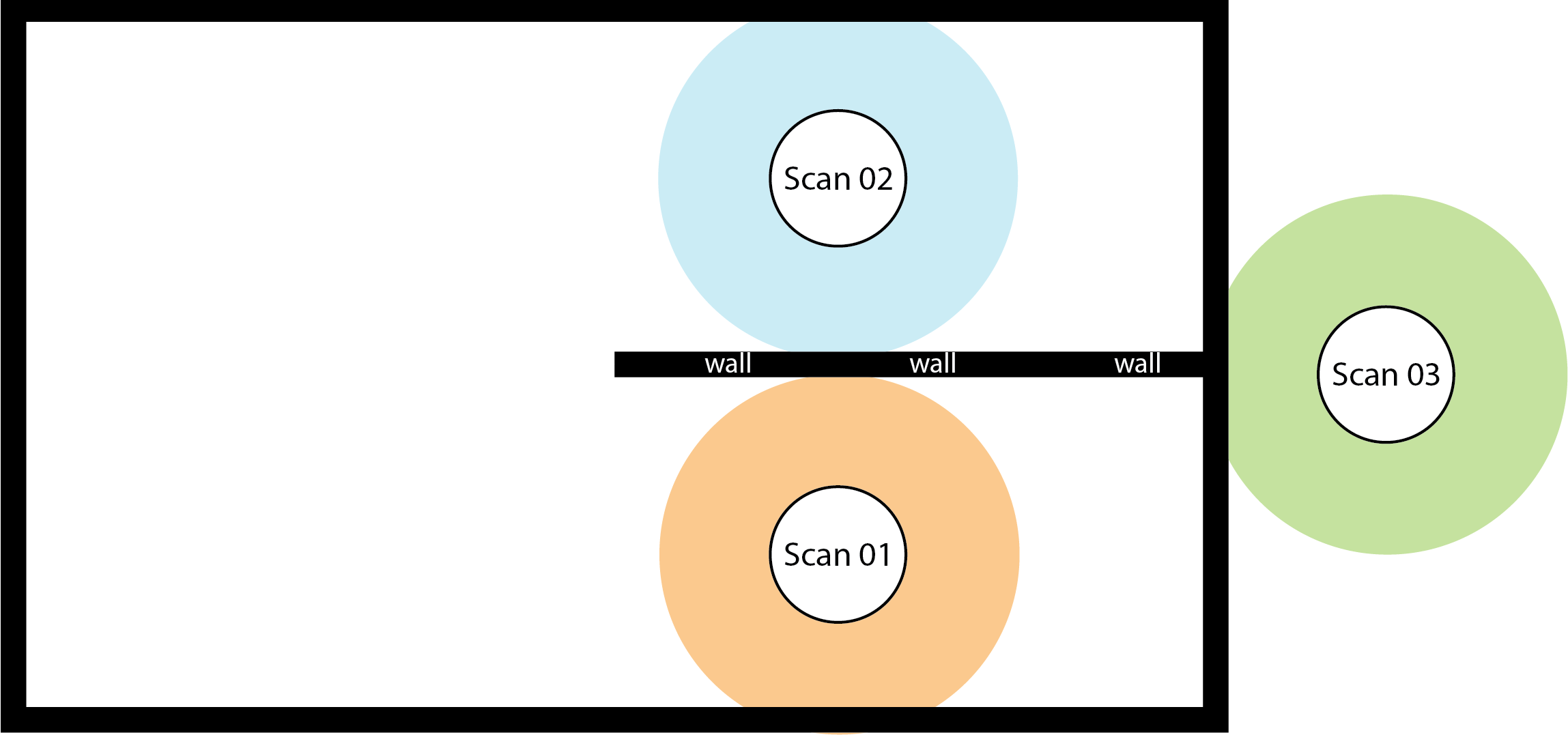
| 15:22, 1. Okt. 2025 | Leica Figure2.png (Datei) |  |
69 KB | Figure 2. Bad scan locations: No overlaying areas between the Scans 01, 02 and 03. These scans will have trouble aligning with each other. | 1 |
| 15:34, 1. Okt. 2025 | Leica Figure3.png (Datei) |  |
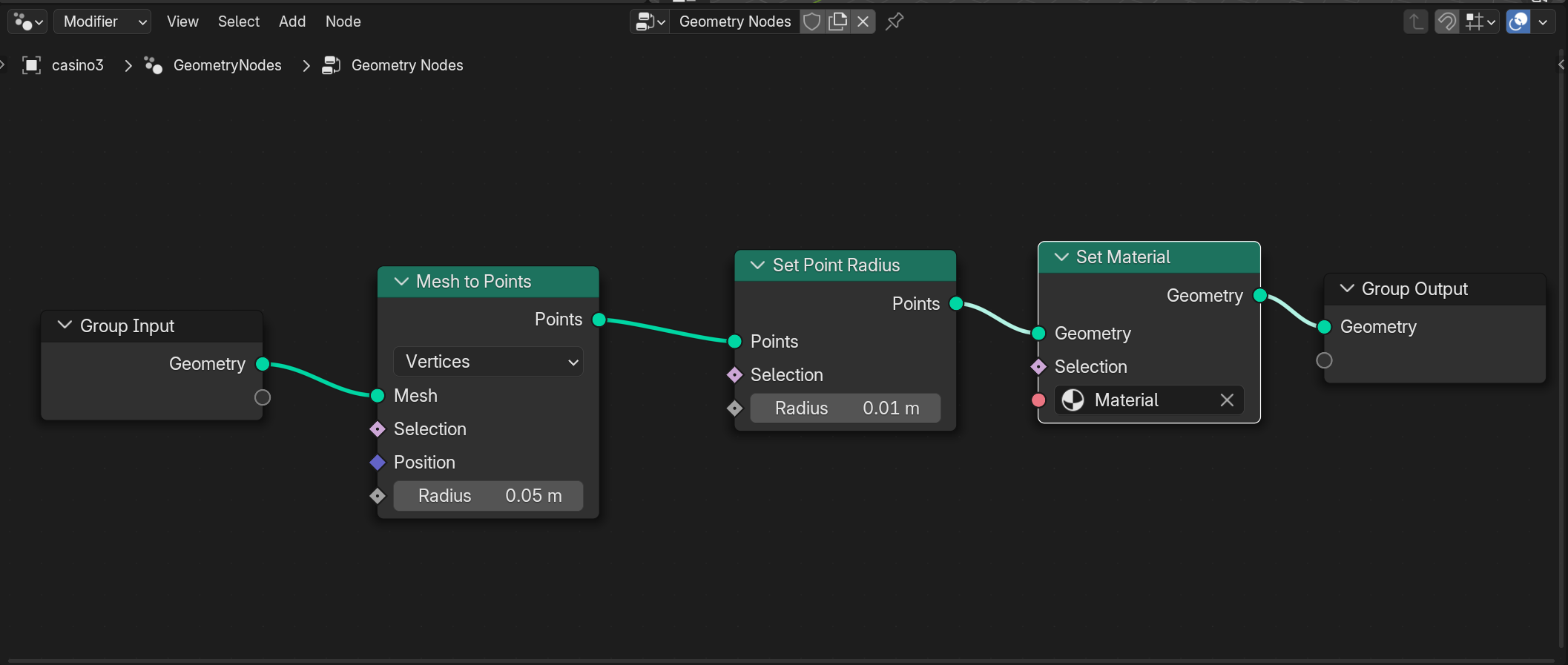
156 KB | Figure 3. Mesh to Points Node - scatter points on the surface of the mesh, Set Point Radius Node - for adjusting point size, Set Material Node - For adding vertex color information on each point (see figure 4, for material setup) | 1 |
| 15:37, 1. Okt. 2025 | Leica Figure4.png (Datei) |  |
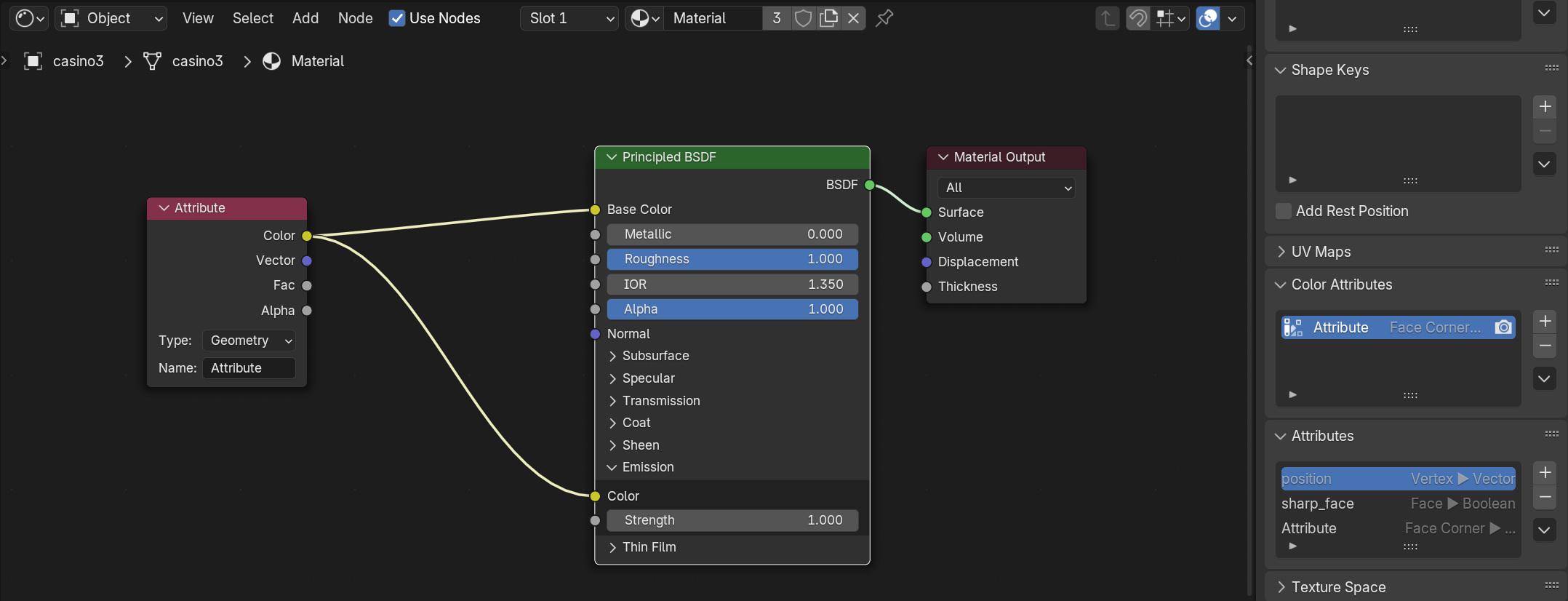
215 KB | Figure 4. In the Shader Editor, add an Attribute Node and connect its output to the Base Color input of the Principled BSDF (or another shader). It is important to know the exact name of the vertex color attribute, by default it may appear as Attribute or Col. Type or paste this name into the Attribute Node, so the material reads the correct data. Make sure the Set Material node (in geometry node) is referencing the right material. | 1 |